

Admin dashboardReal operating interface
Run the taxi company from one decision center
The dashboard brings live monitoring, people management, settlements, promotions, pricing, zones, and permissions into a clear operating path for leaders and operators.
Interface preview
Admin screens
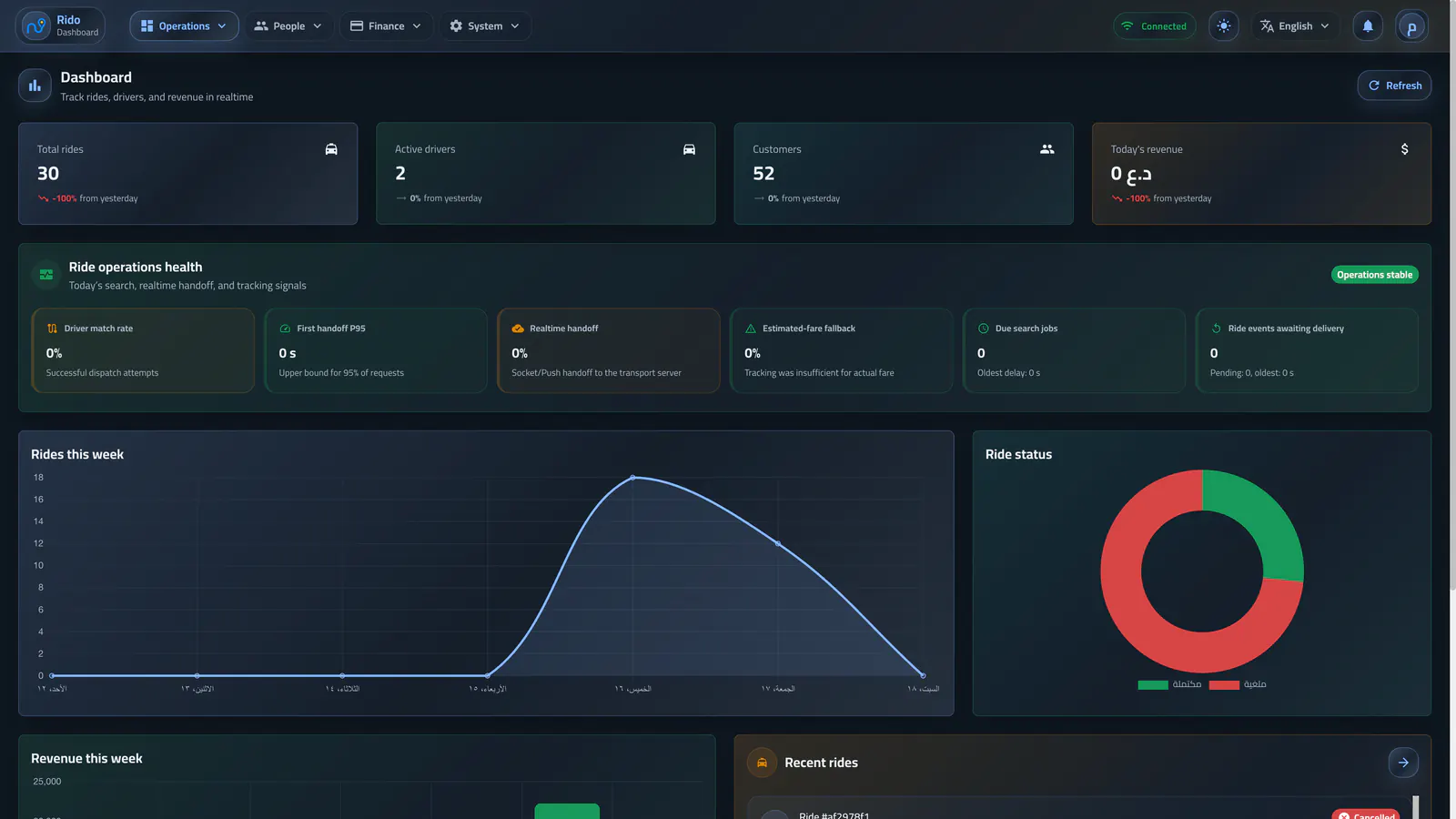
Operations dashboard
Core totals, ride health, weekly trends, state distribution, and recent activity provide an immediate operational picture.Operations dashboard
Core totals, ride health, weekly trends, state distribution, and recent activity provide an immediate operational picture.Operating flow
A readable operating summary
The dashboard starts with ride status, revenue, recent activity, and the driver and customer signals that require continuous attention.
- Ride status from request to completion or cancellation
- Revenue and daily activity summary
- Recent rides and general system information
- Fast entry points for operating decisions
Notifications with context
A notification is not an isolated message: it takes the operator directly to the driver, withdrawal request, or state that needs a decision.
- Driver approval review requests
- Driver earnings withdrawal requests
- Direct navigation to the related record
Sections grouped by decision type
Content is separated into live operations, people management, finance and growth, then settings and access, so daily decisions never blur with sensitive policy.
- Live monitoring and rides
- People and account balances
- Offers, balance cards, and referrals
- Pricing, zones, and administrative policy
Explore the admin dashboard
Run the taxi company from one decision center
Live operations
Live monitoring
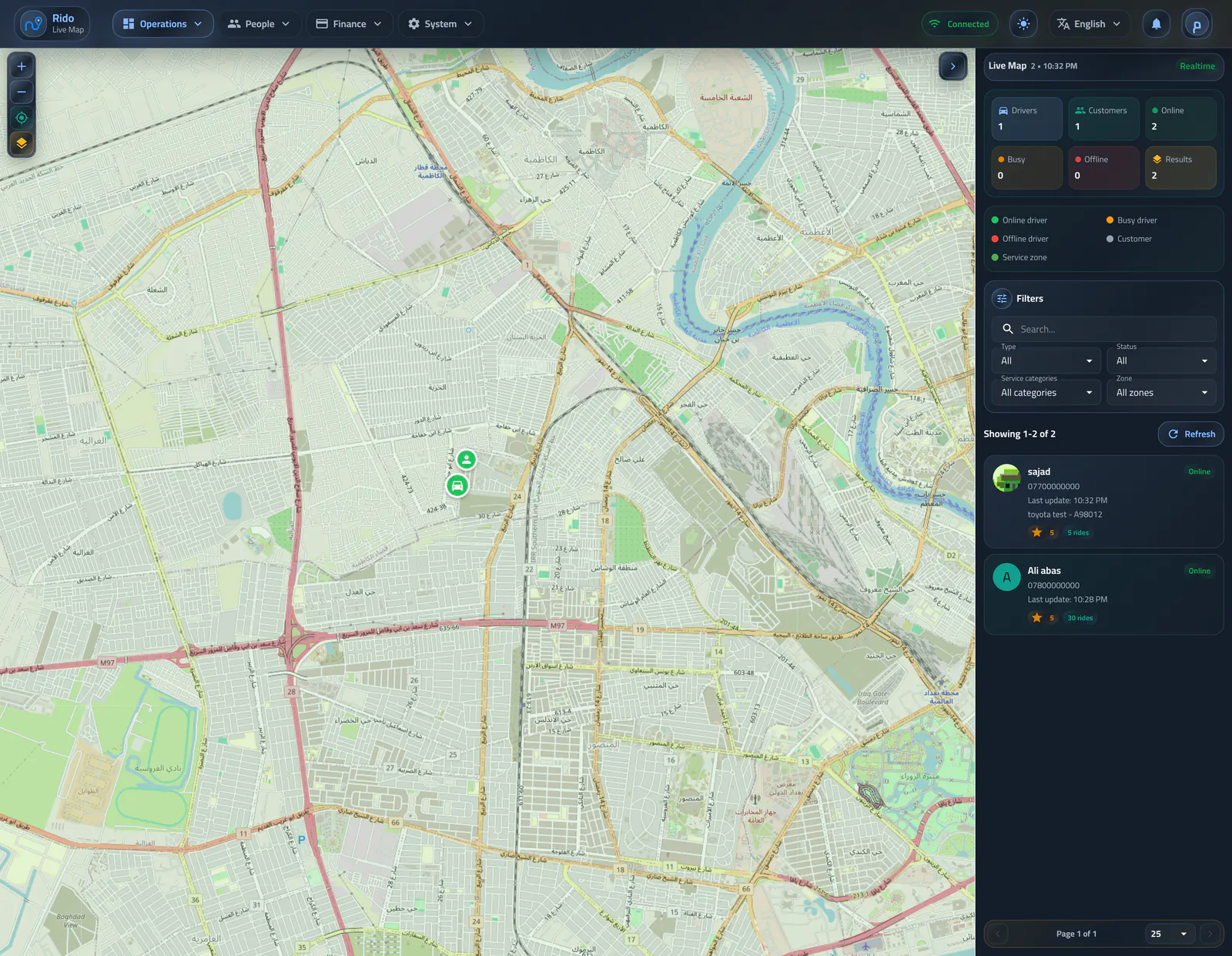
Live map
The map shows driver locations live and turns dispatch, connection state, and geographic zones into one operating view.Open section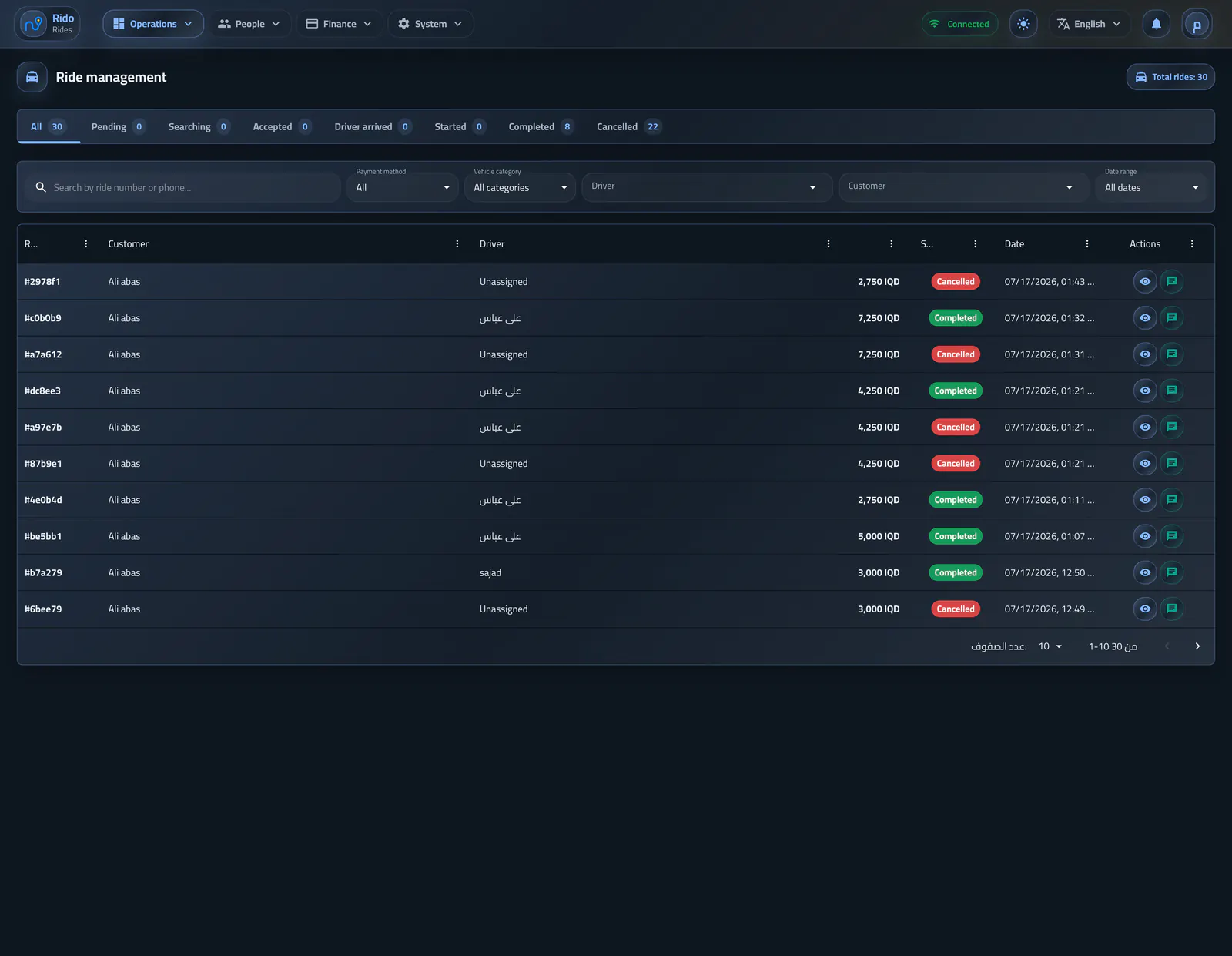
Ride lifecycle
Ride management
This section combines ride state, search, route detail, and the difference between estimated and actual fare in one operating record.Open section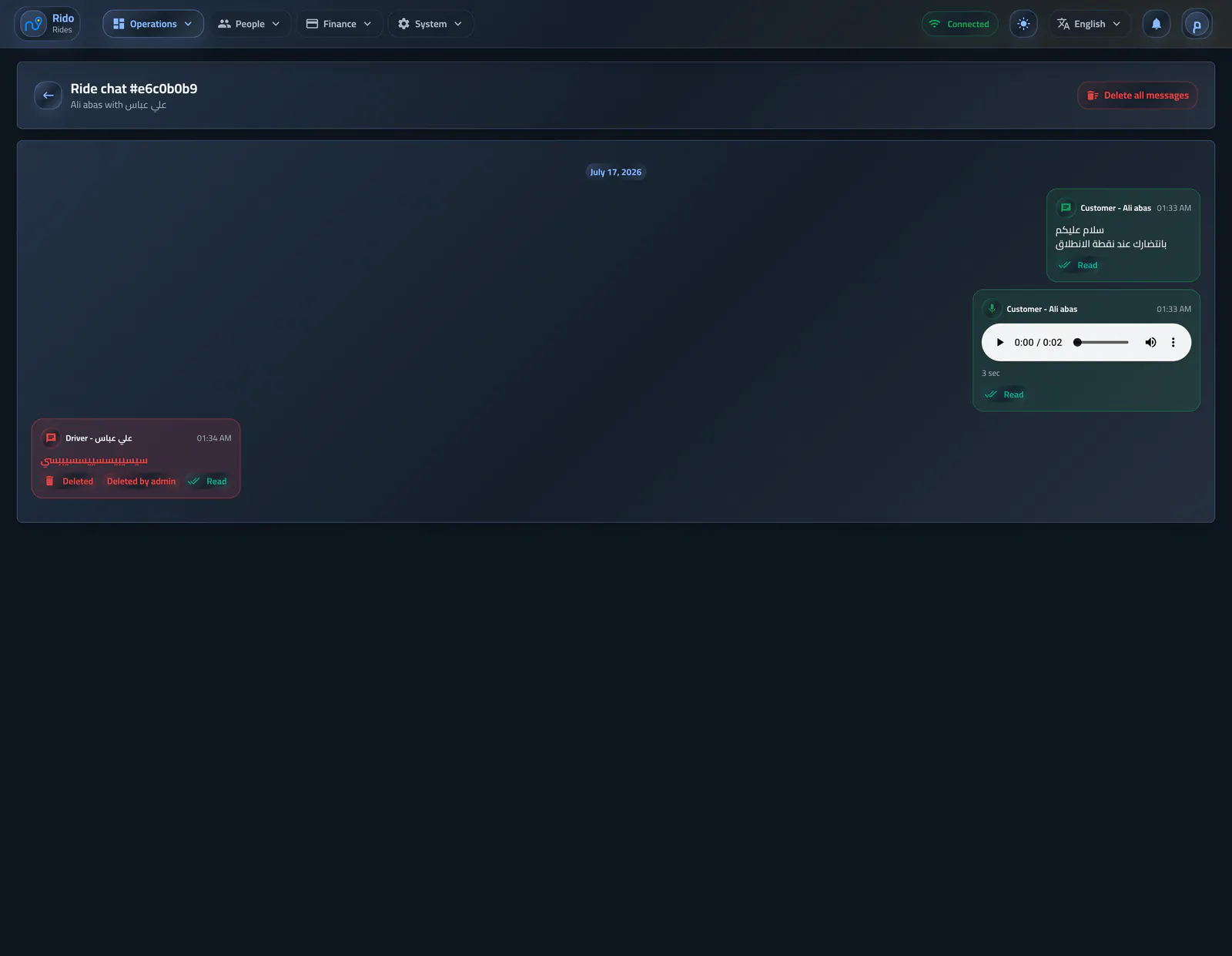
Communication context
Ride conversations
The page combines text, voice, delivery, read, edit, and deletion states while keeping every action attached to the ride and sender.Open section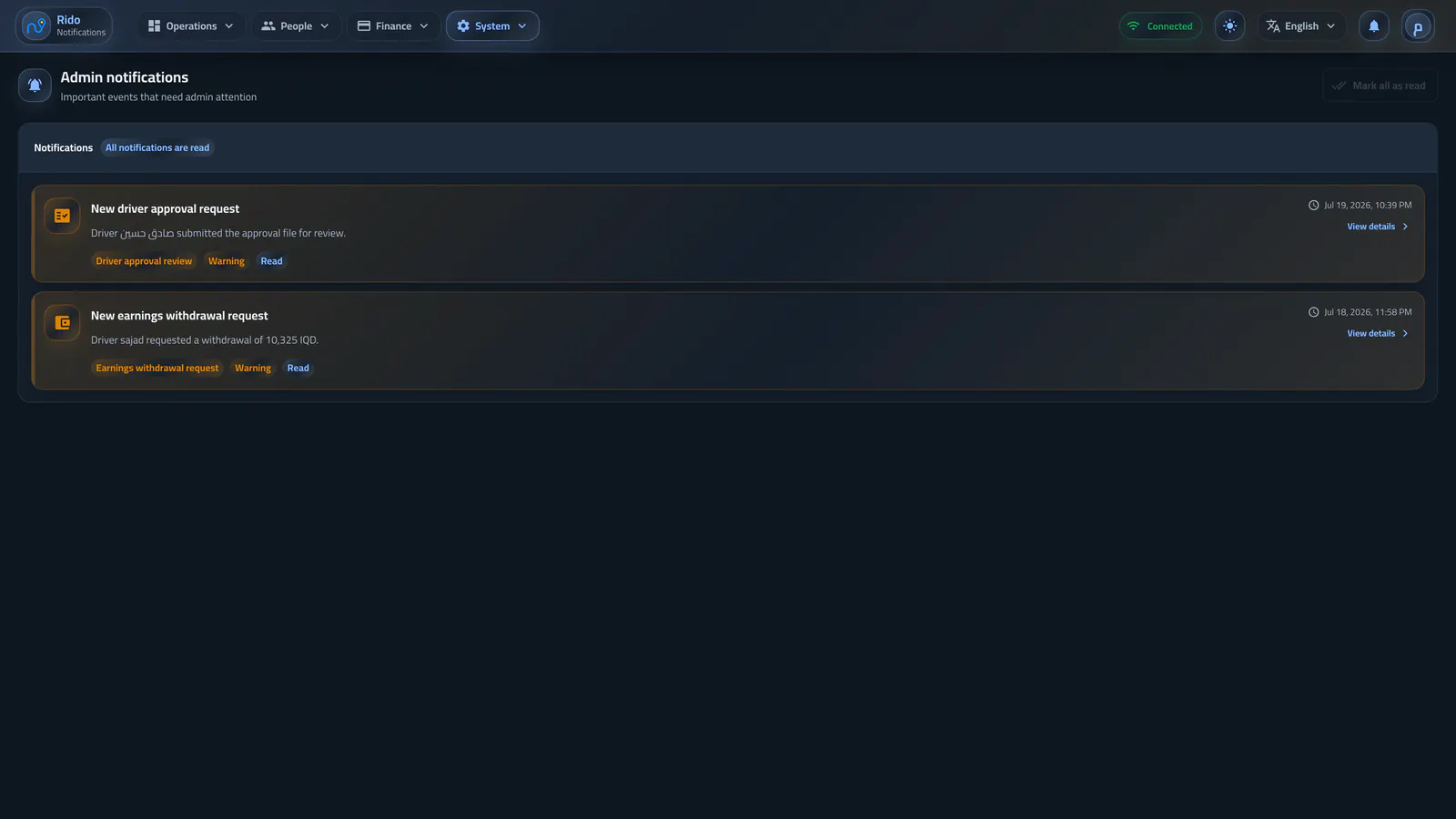
Decisions that need attention
Admin notifications
Driver reviews, withdrawals, and important events arrive in one list, with fast access from the header bell or the complete notification center.Open sectionPeople management
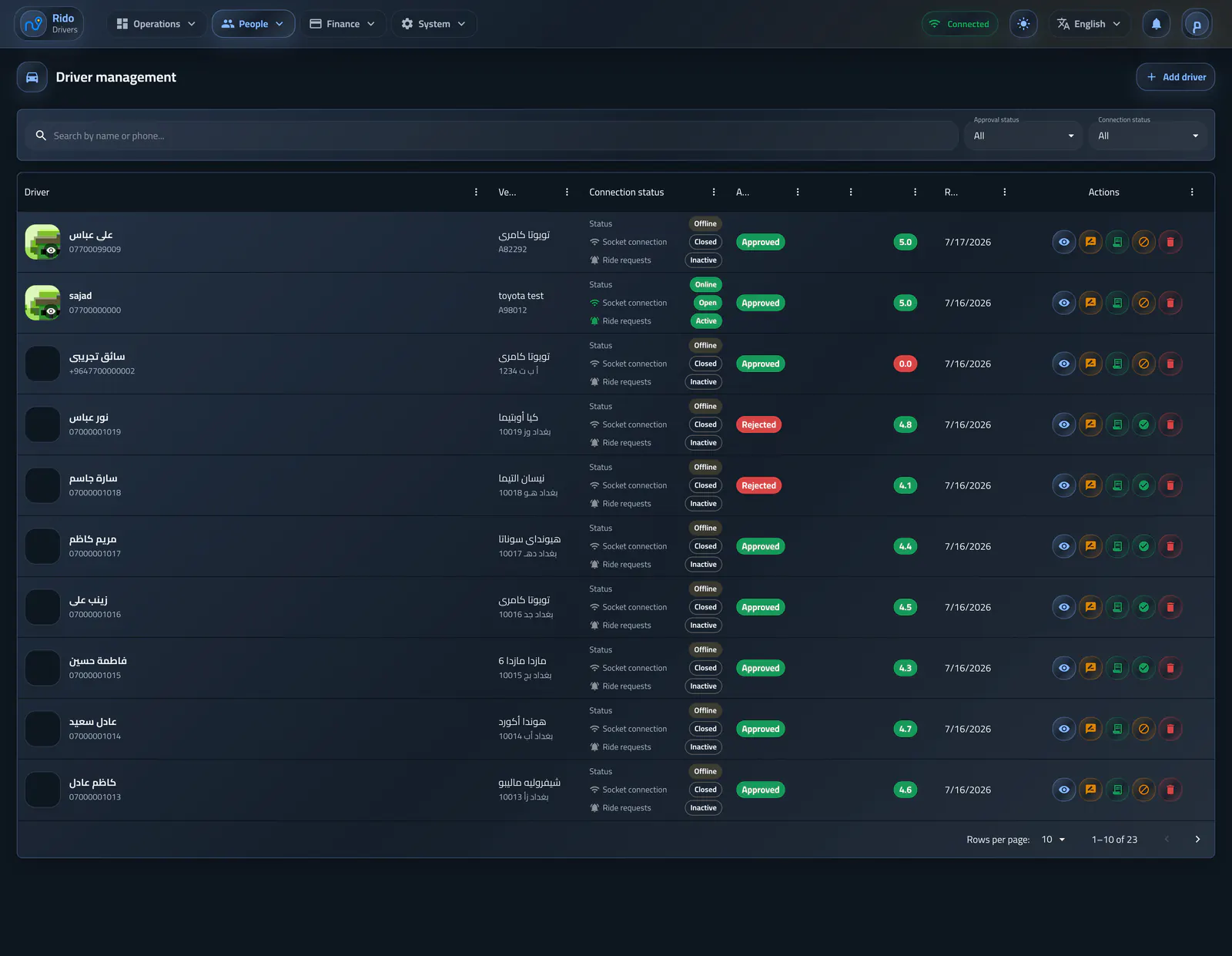
Fleet management
Drivers
This section follows drivers from manual creation or mobile application to vehicles, documents, and status, while ratings live in their own quality review page.Open section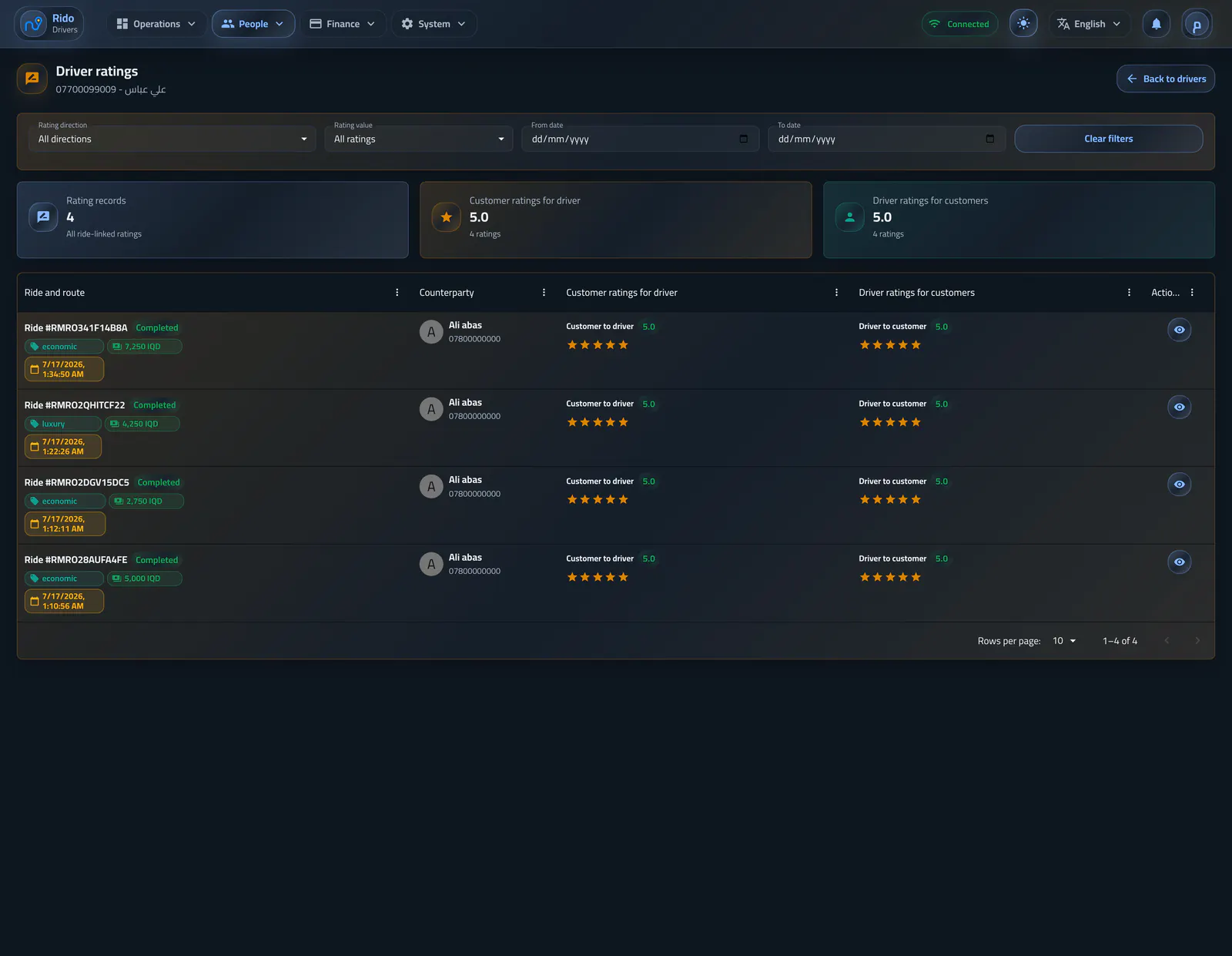
Ride quality
Driver ratings
The page presents driver ratings as their own review path while keeping every score tied to the ride that produced it.Open section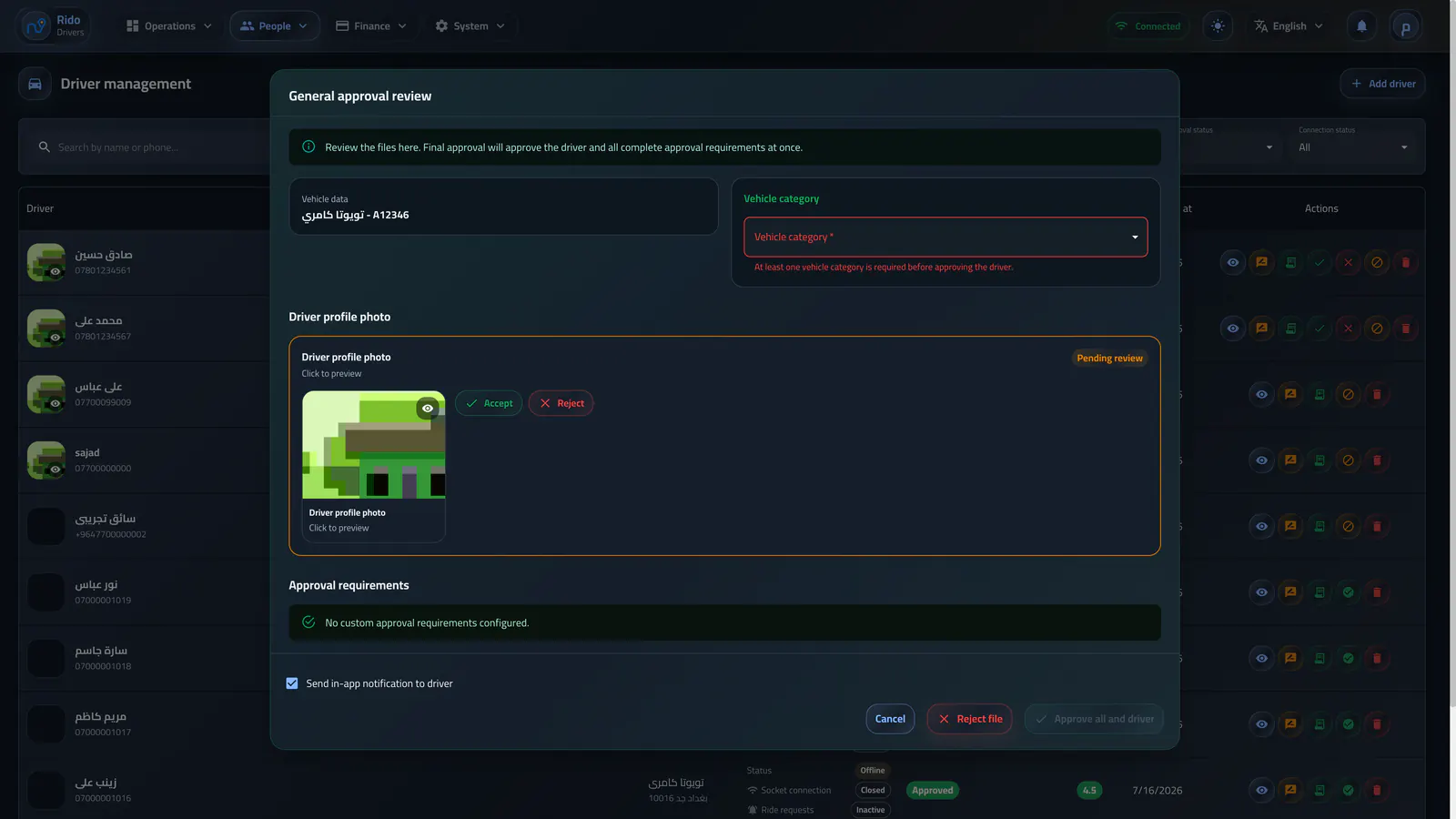
Review and documents
Driver approval
Approval keeps category, documents, reason, and notification in one review flow, whether the decision starts from driver management or inside the driver profile.Open section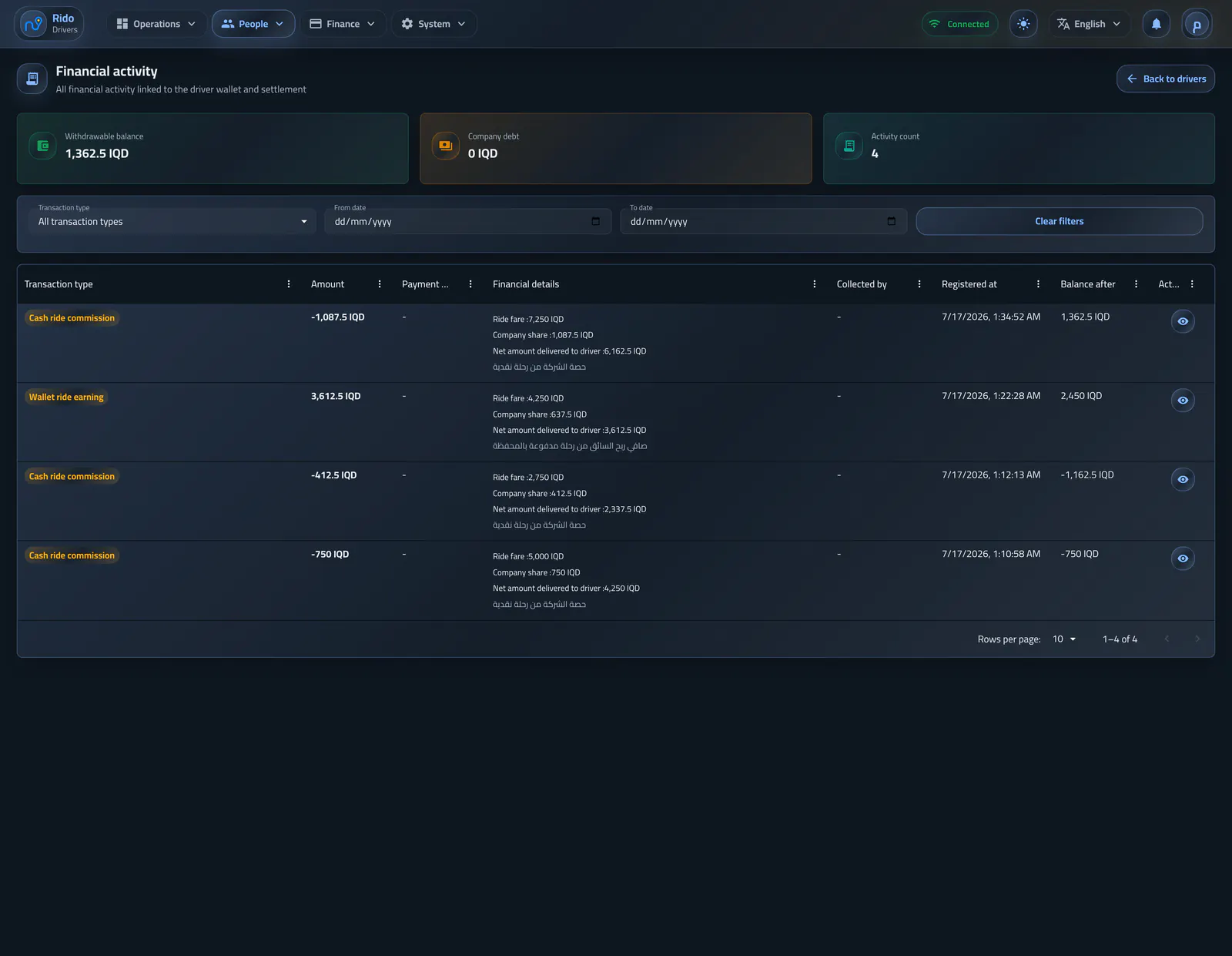
Settlements and debt
Driver finance
The system separates what a driver receives from what the company earns, and applies debt limits, warnings, and settlement by payment method and zone.Open section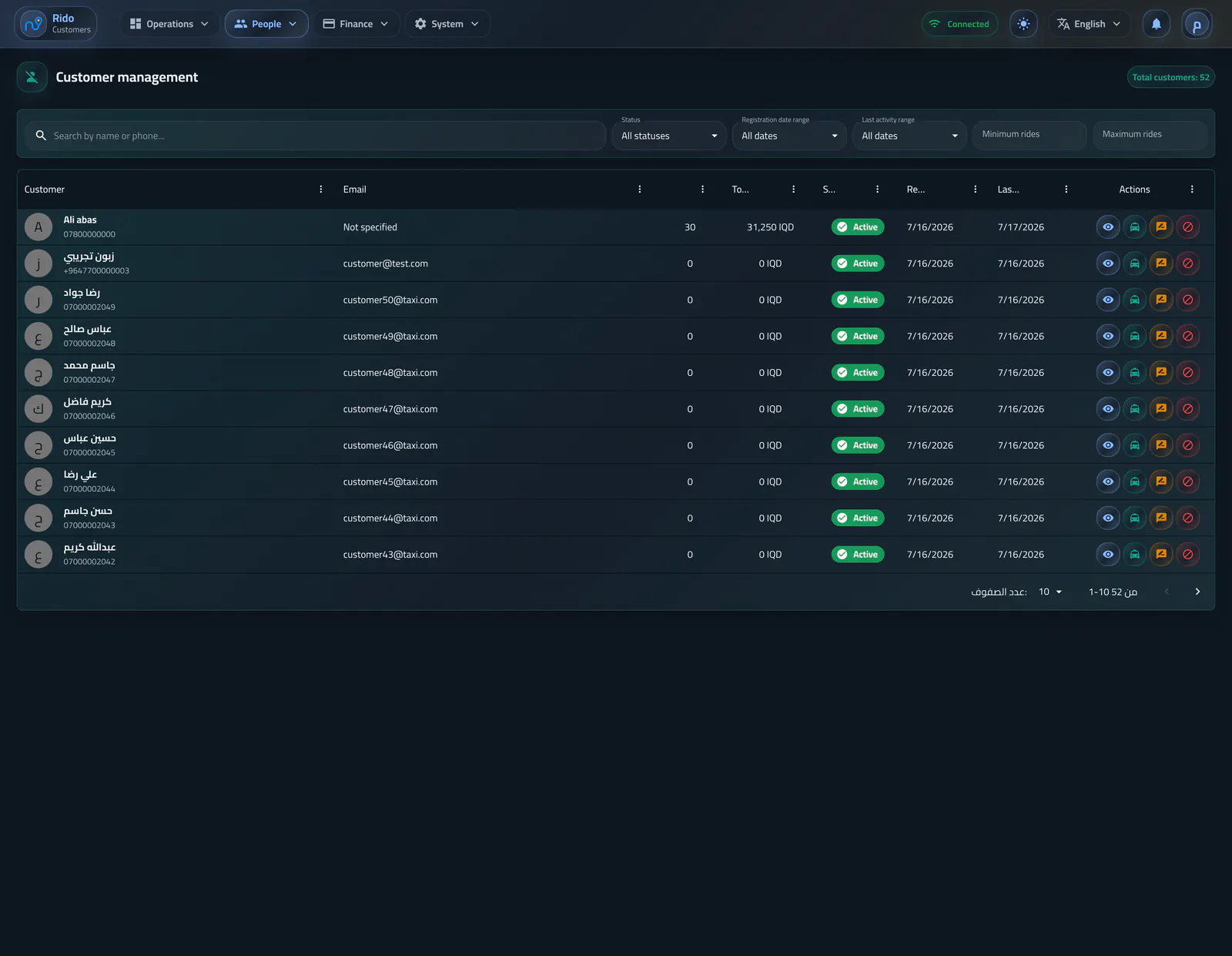
Customer service
Customers
This section provides a focused view of activity, status, wallet, addresses, and promotions without losing ride context, while ratings live in a separate quality page.Open section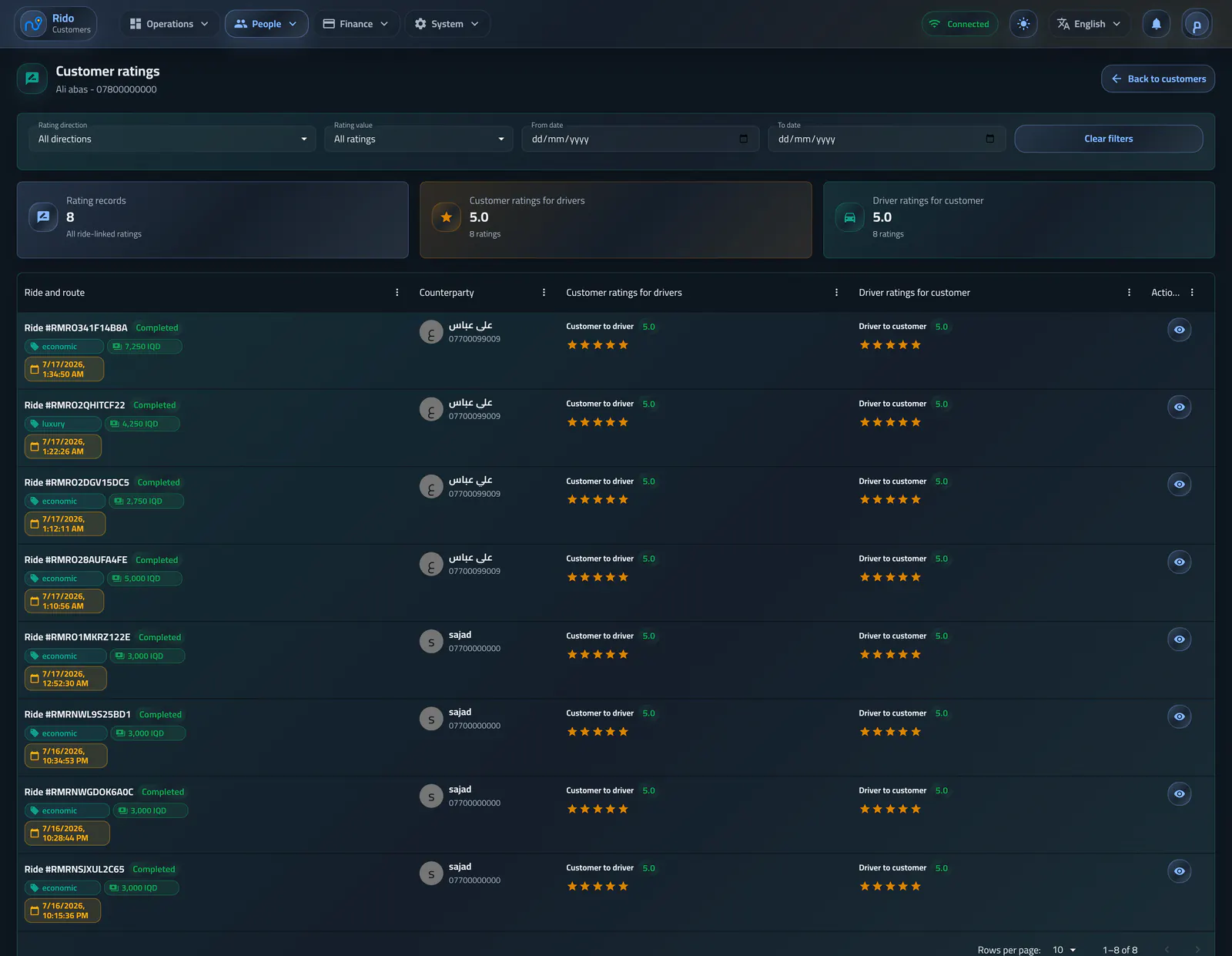
Service behavior
Customer ratings
The page gives support a clear review path for customer ratings while keeping every score and note tied to the ride and driver behind it.Open sectionFinance and growth
Growth and retention
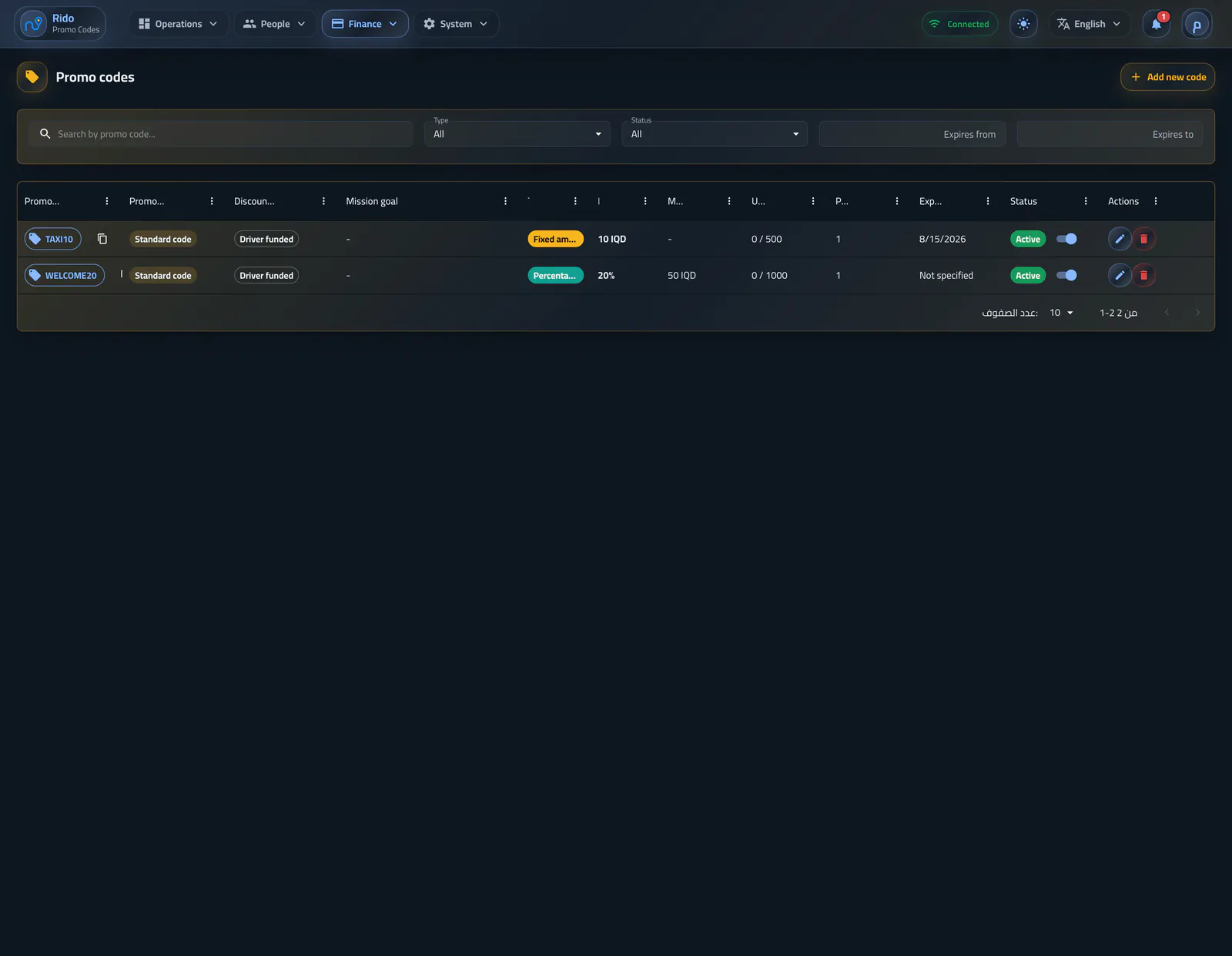
Promotions and referrals
This section presents the promo-code types clearly: standard code, tiered discount, and mission/reward, with discount value, rules, customer linking, and direct notification when needed.Open section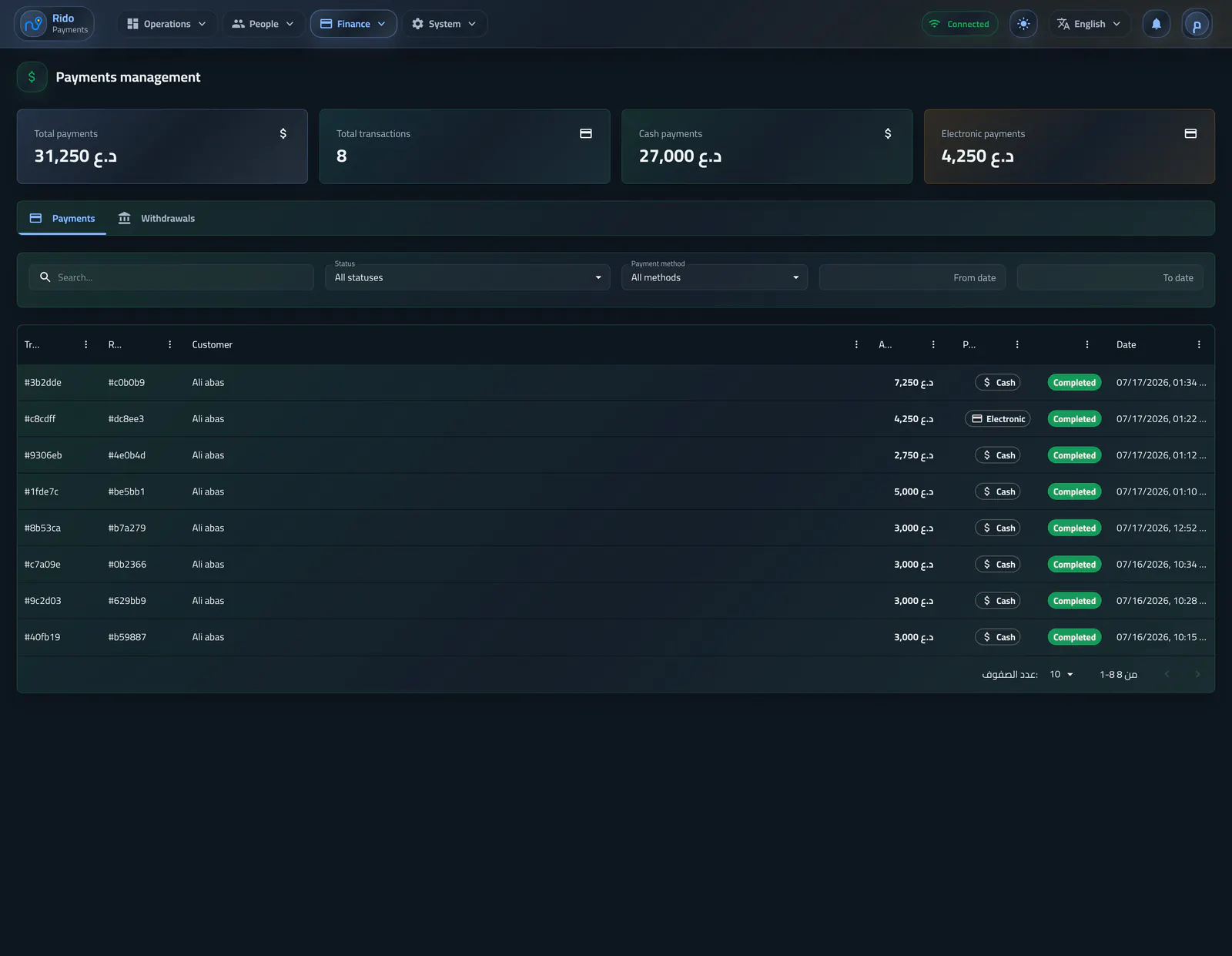
Financial activity
Payments and withdrawals
The page brings together ride and other payments with driver withdrawal requests, keeping every financial decision tied to its source and state.Open section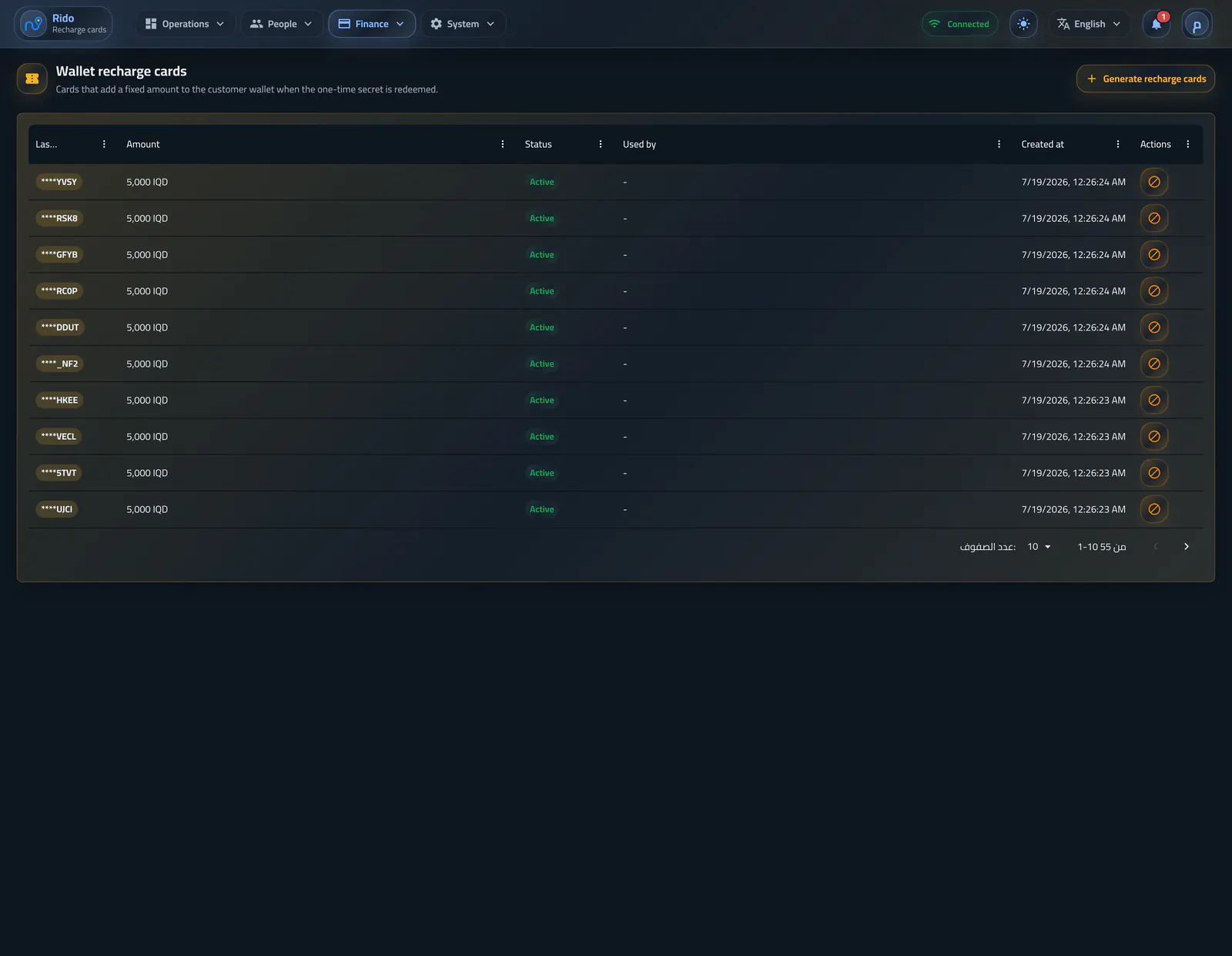
Wallet top-ups
Wallet recharge cards
Admins generate card batches with a chosen value and lifetime, then track state and redemption without revealing a secret again after the creation dialog closes.Open section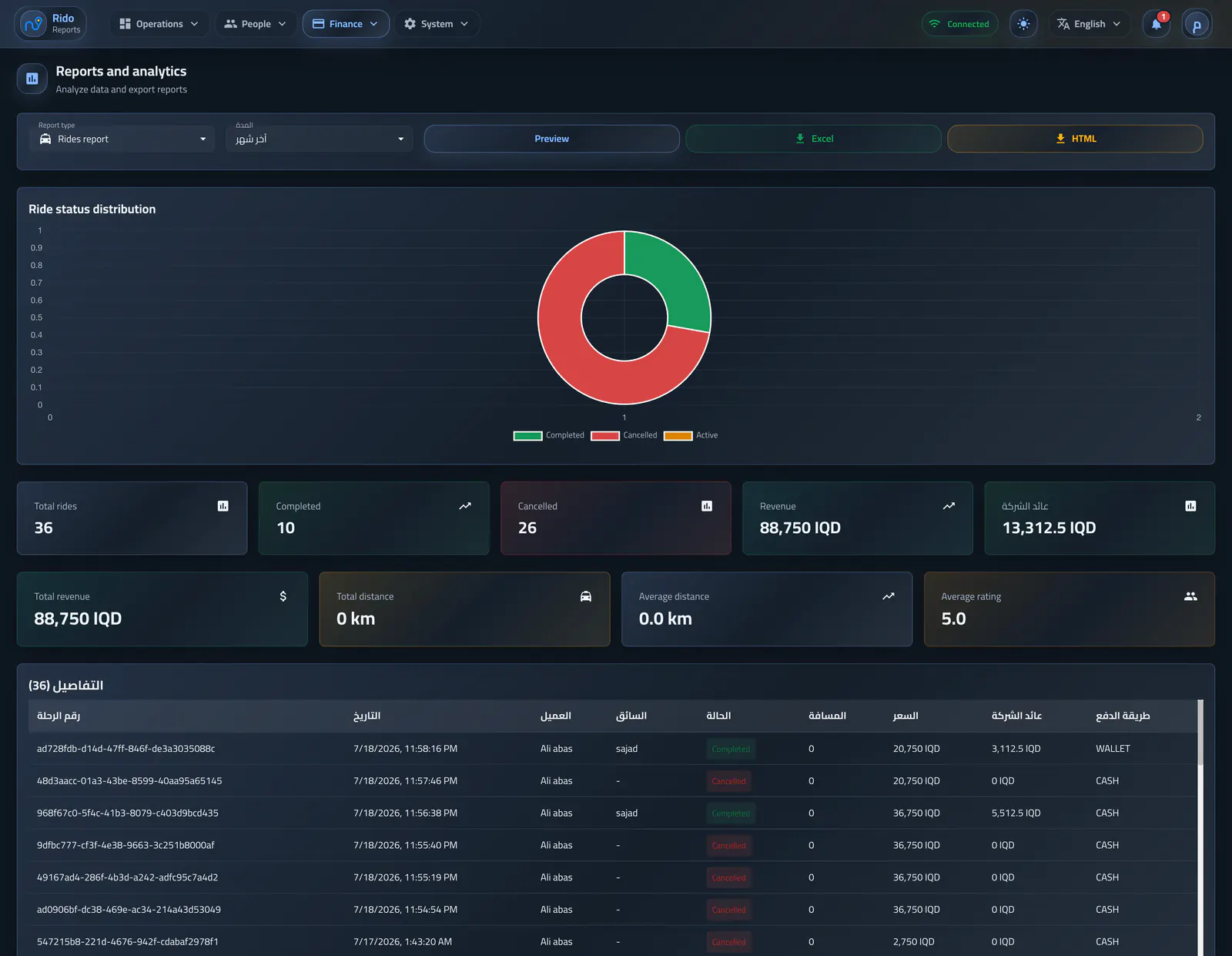
Measurement and decisions
Reports and analytics
Operators choose ride, revenue, driver, or customer reports, review them first, then export them for a preset or custom period.Open sectionControl and access
Platform governance
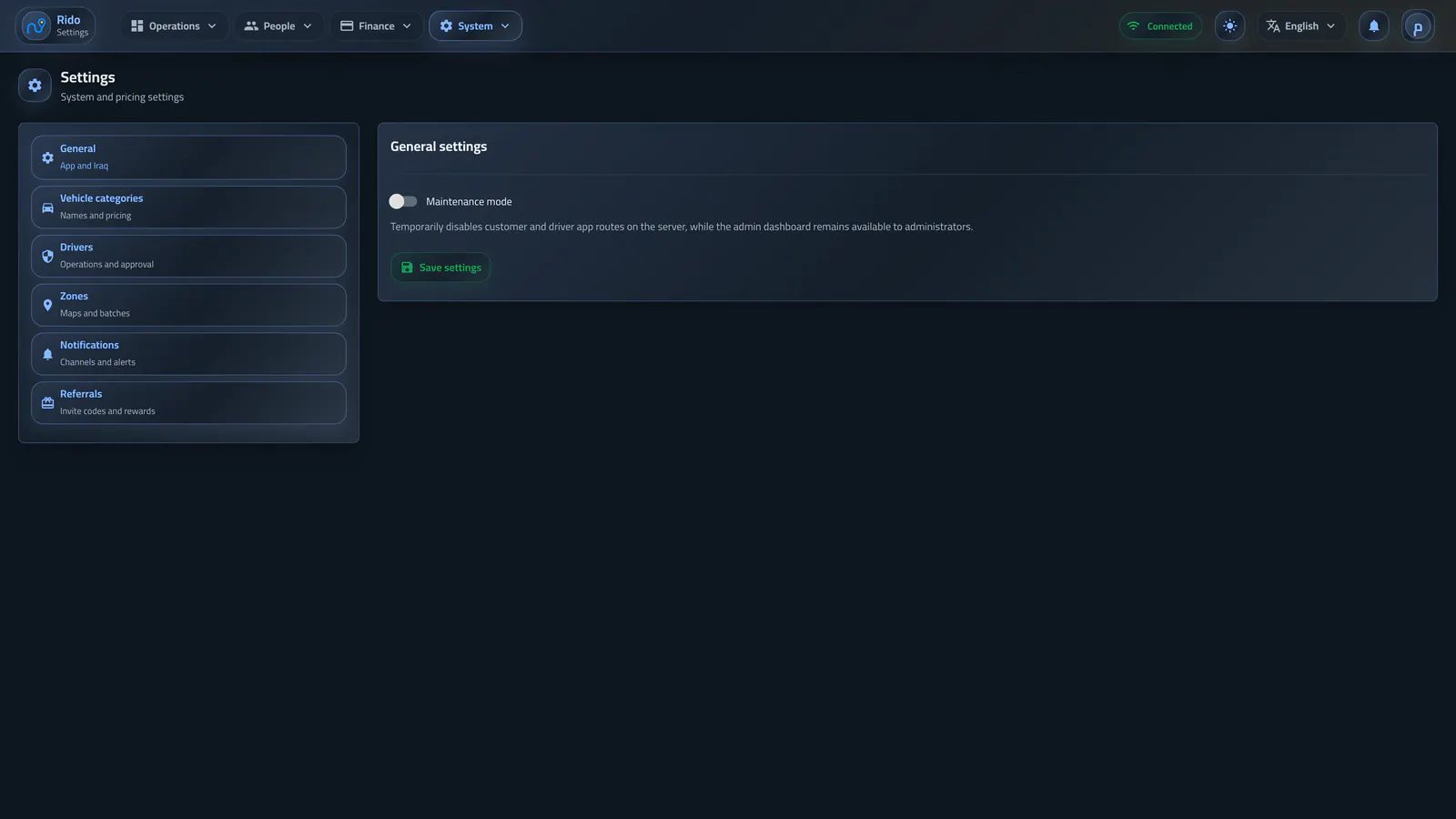
General settings and access
The page separates platform-wide policy from driver, zone, and notification settings while preserving dashboard access during maintenance.Open section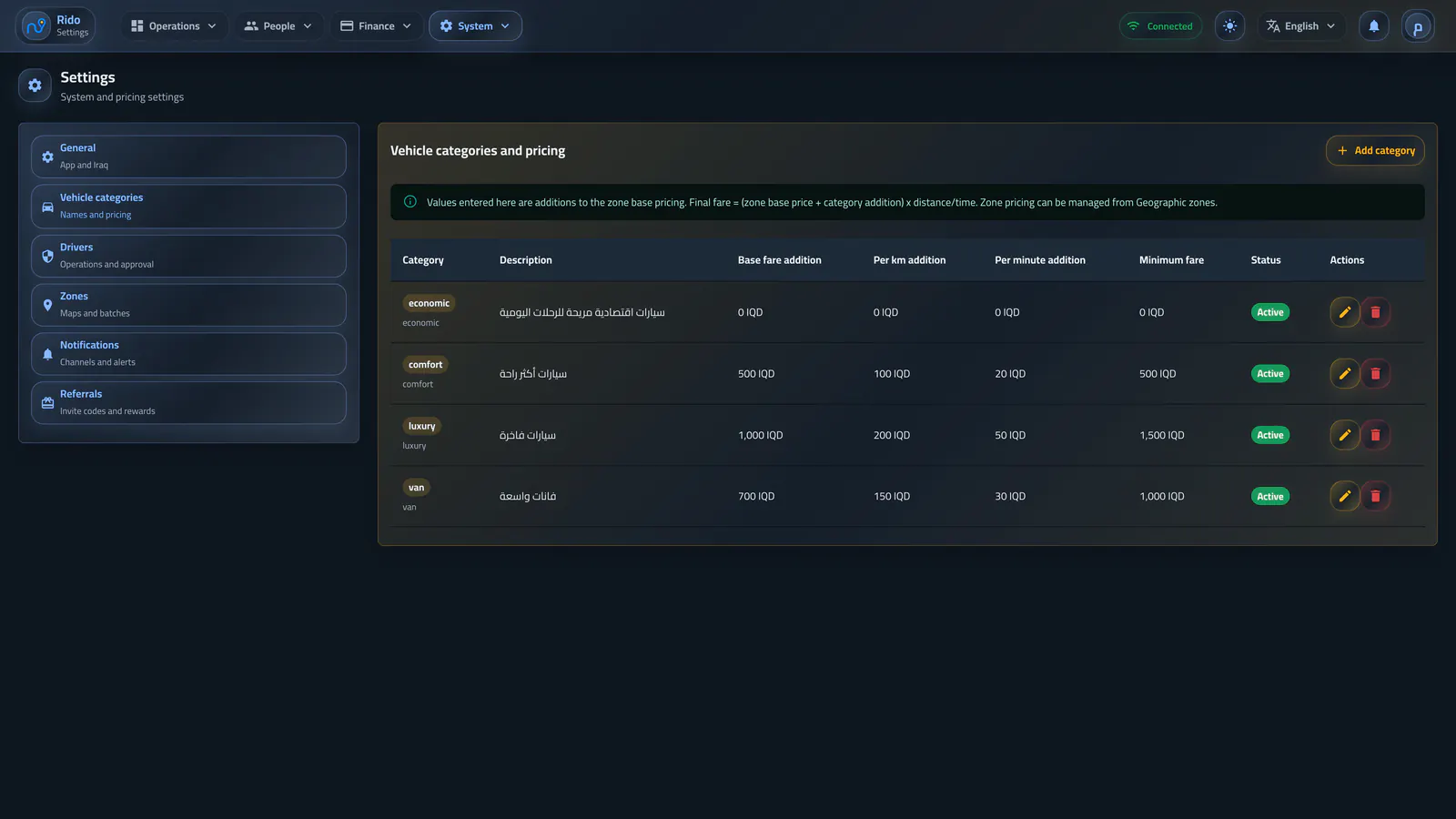
Fleet structure
Vehicle categories
Each class receives Arabic and English identity, capacity, display order, state, and its own pricing additions across the list and create or edit dialogs.Open section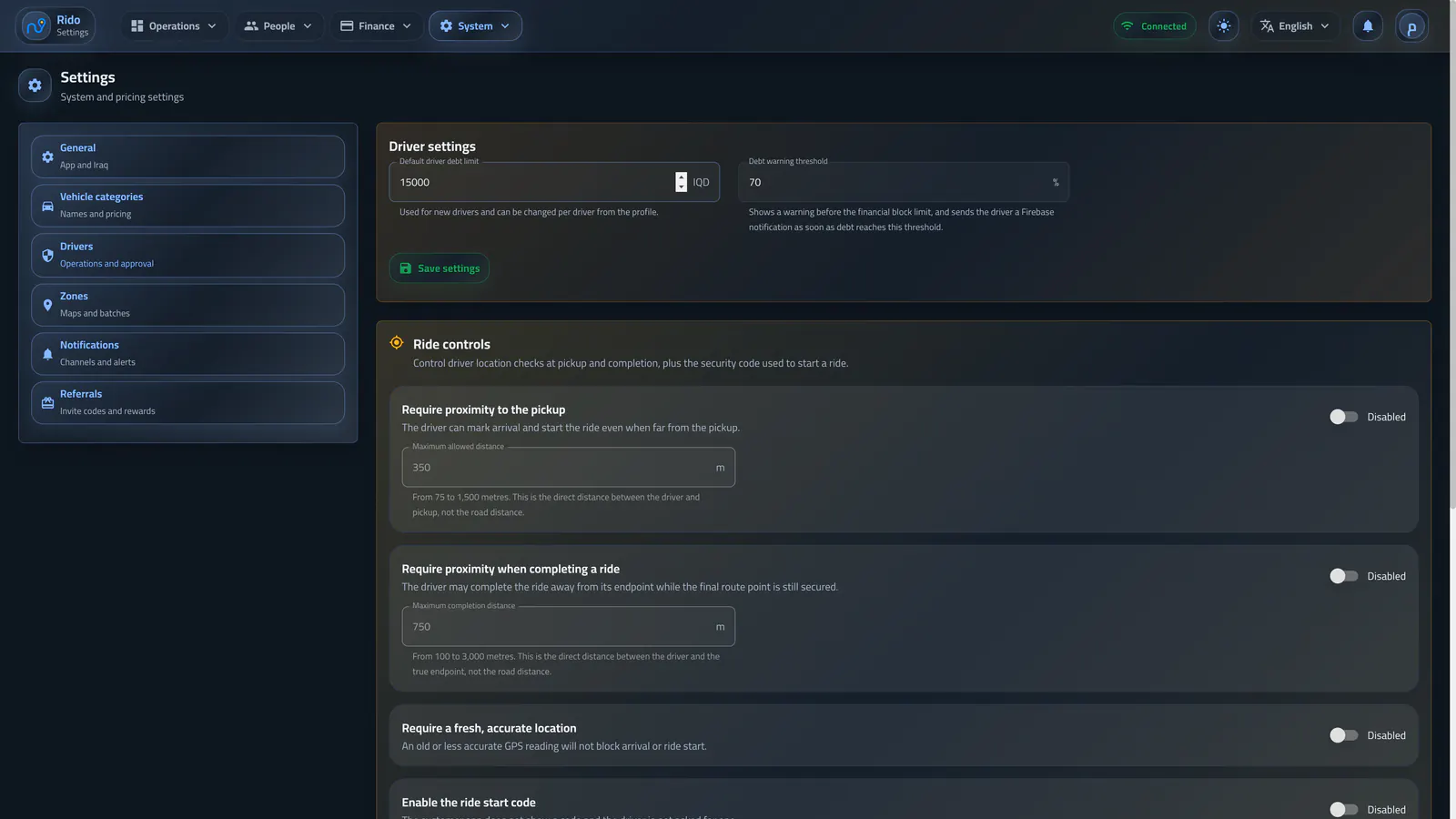
Operations and approval
Driver settings
The page separates driver policy from the rest of the system, covering debt and warning defaults, pickup and completion proximity, location quality, and configurable approval requirements.Open section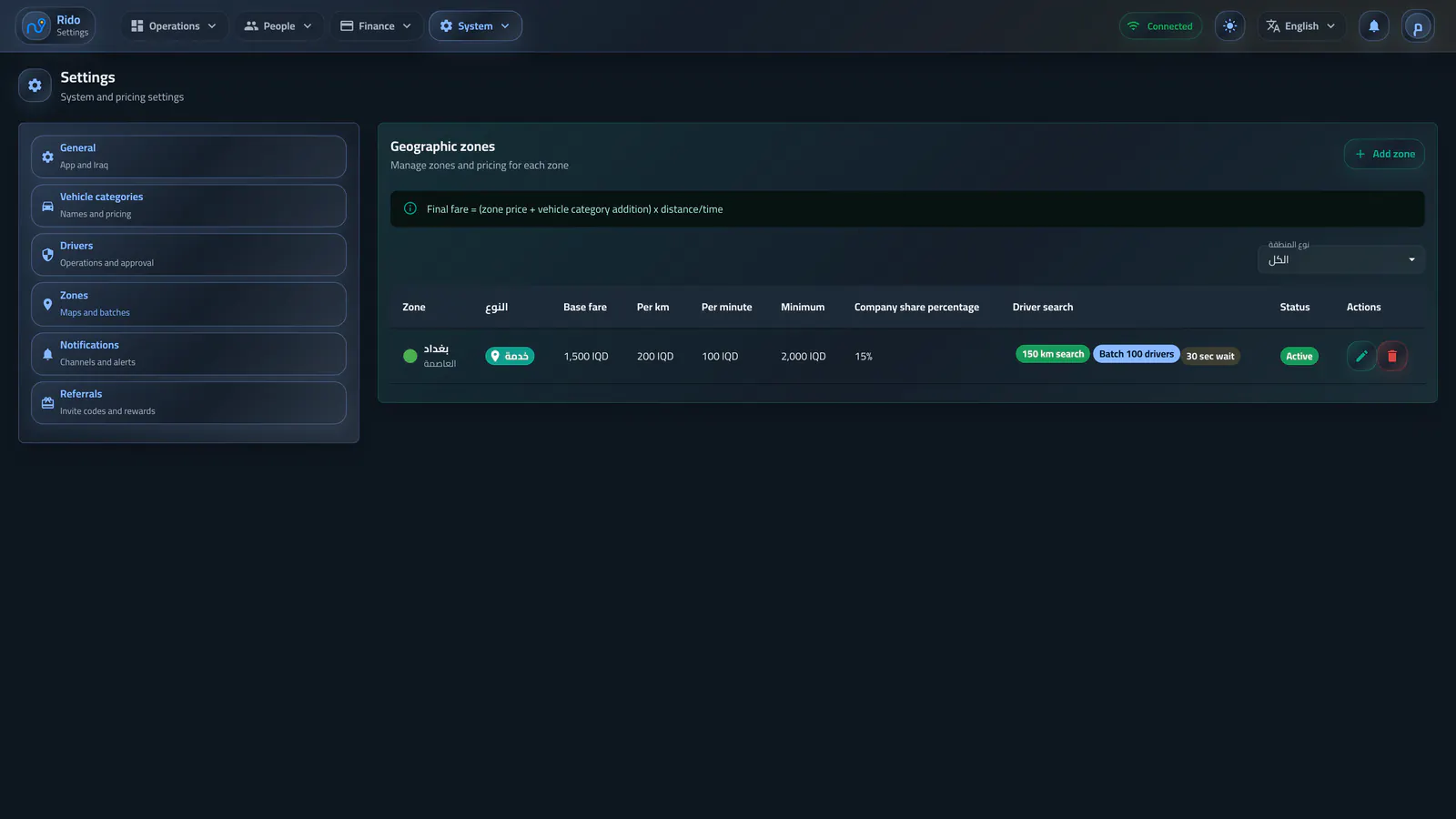
Service and pricing
Geographic zones
The page combines each boundary, zone type, pricing, fees, and driver-search policy while moving vehicle categories into their own section so distinct policies do not compete for attention.Open section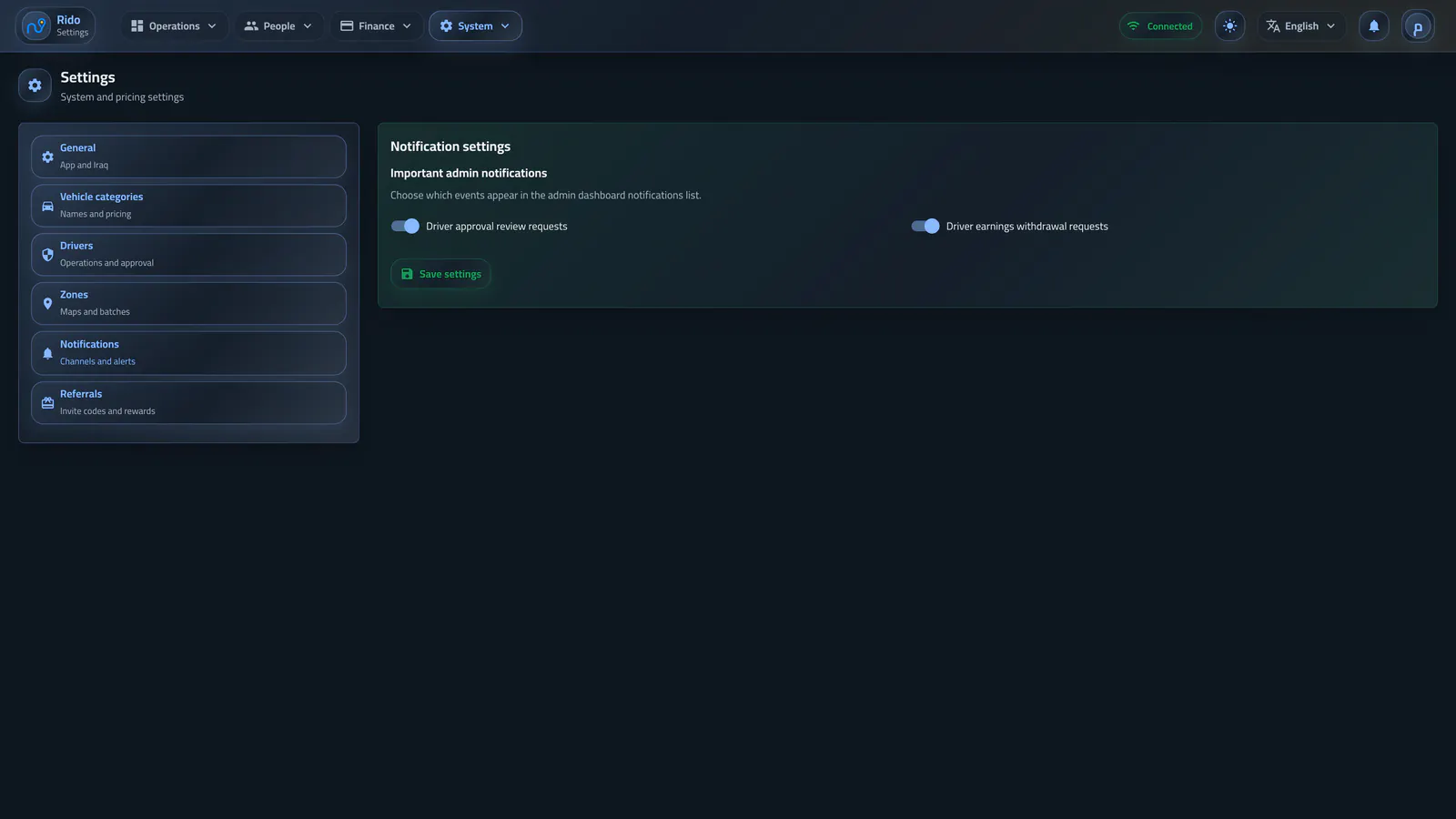
Decision alerts
Notification settings
Settings control the real events that require an admin decision and remain separate from the notification center that displays the resulting records.Open sectionAdmin dashboard